
Free
$0 Free forever
- 2 Pops with up to 6 apps or links each
- Live Dock icons, and a Dock icon for each Pop
- Swipe between Pops and browse folders
- Grid view, labels, spacing, and hover highlight
- Save links from any app’s Share menu
- Menu Bar Mode
 DockPops
 DockPops
Click a DockPops icon and a grid of your apps, files, folders, and links pops up right where you’d expect it. Then make each one yours.
Free to download. Premium is one purchase, no subscription.
Click a Pop in the Dock to open it.Tap a Pop in the Dock to open it.

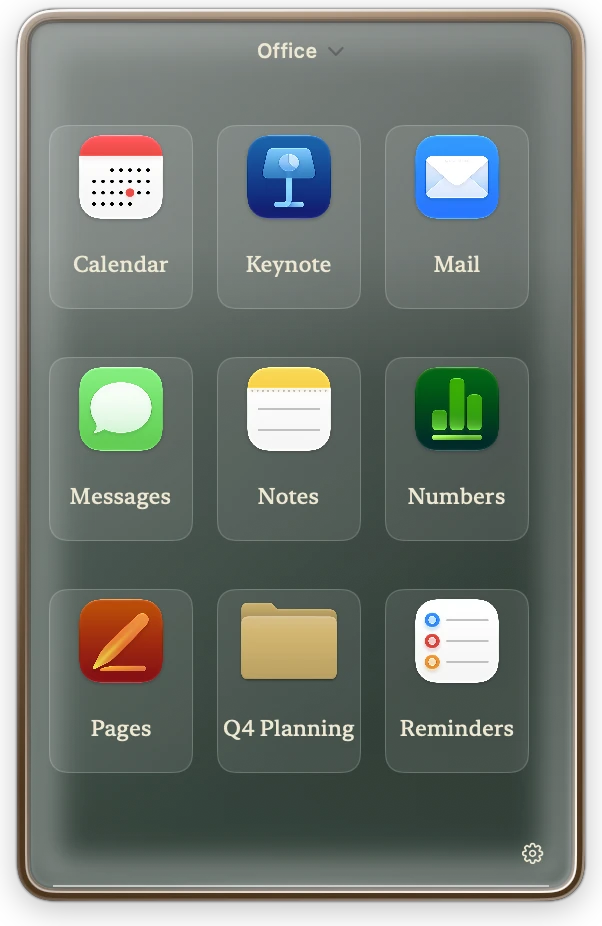
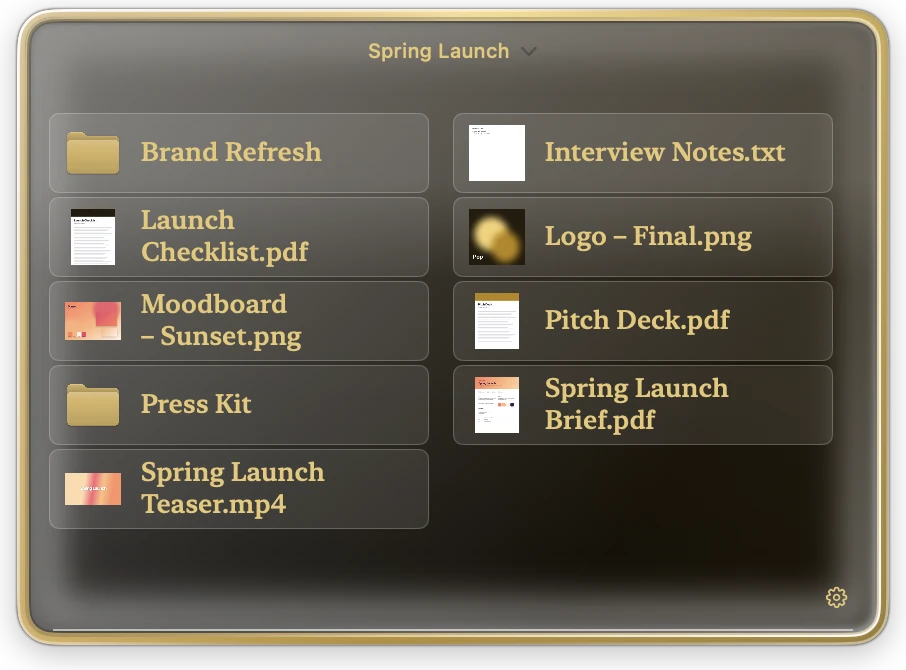
Group up to 25 apps, files, or folders in a Pop. Drag them in from anywhere on your Mac, browse a folder right inside the Pop, and press Space for a Quick Look.
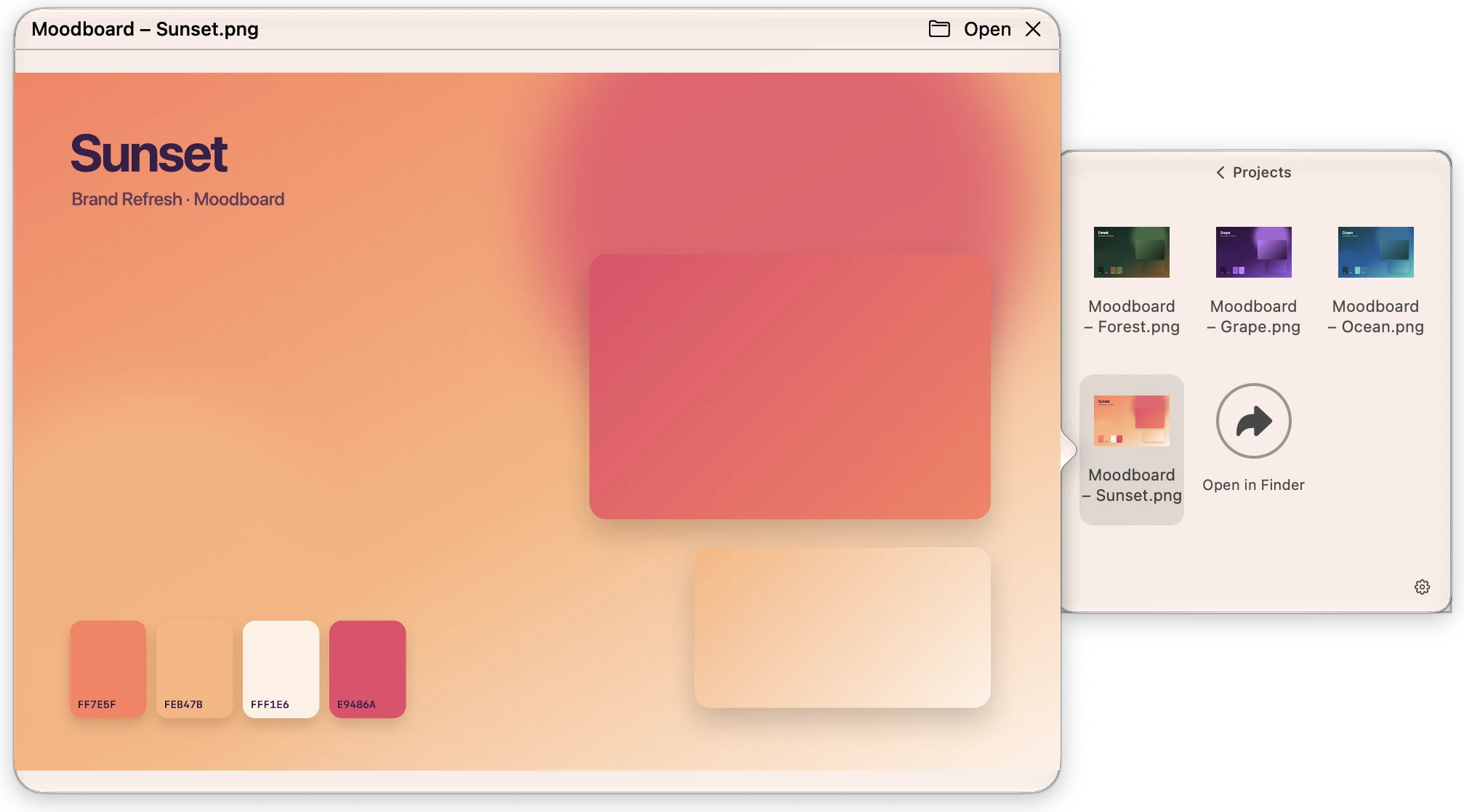
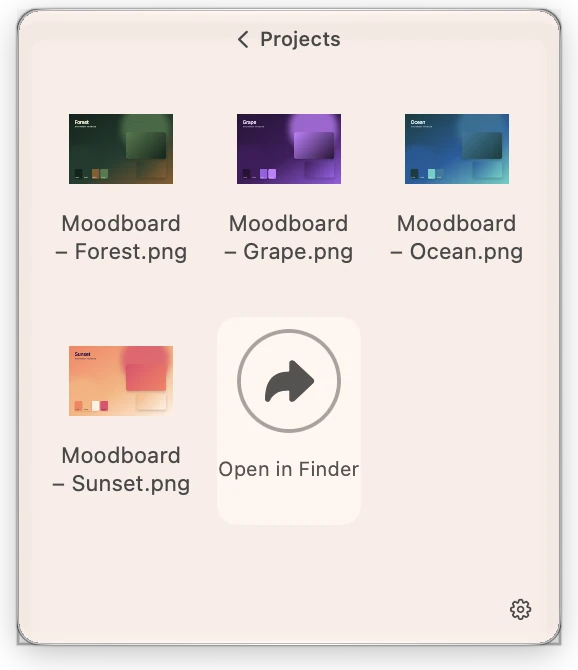

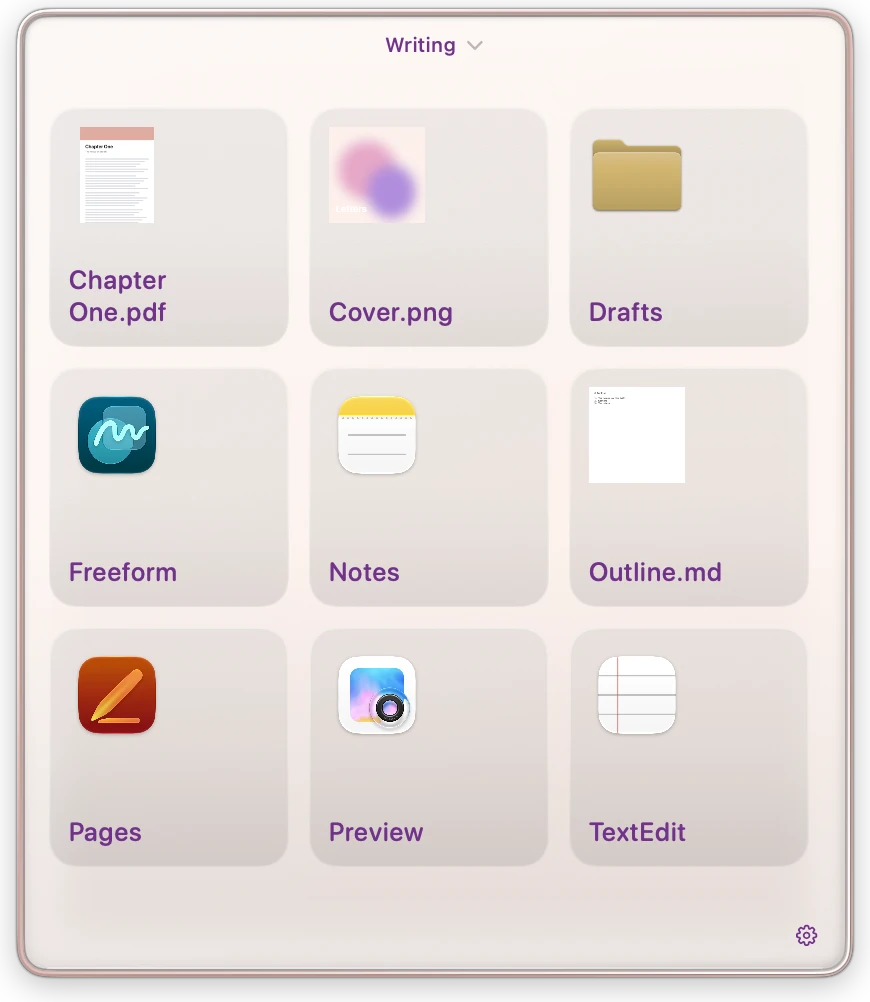
23 built-in themes, or save your own and reuse it across Pops. Give each Pop a color, a gradient, your own photo, or a PopFX background, add a border, set the label font, and show it as a grid, a list, or tiles. Its Dock icon matches.
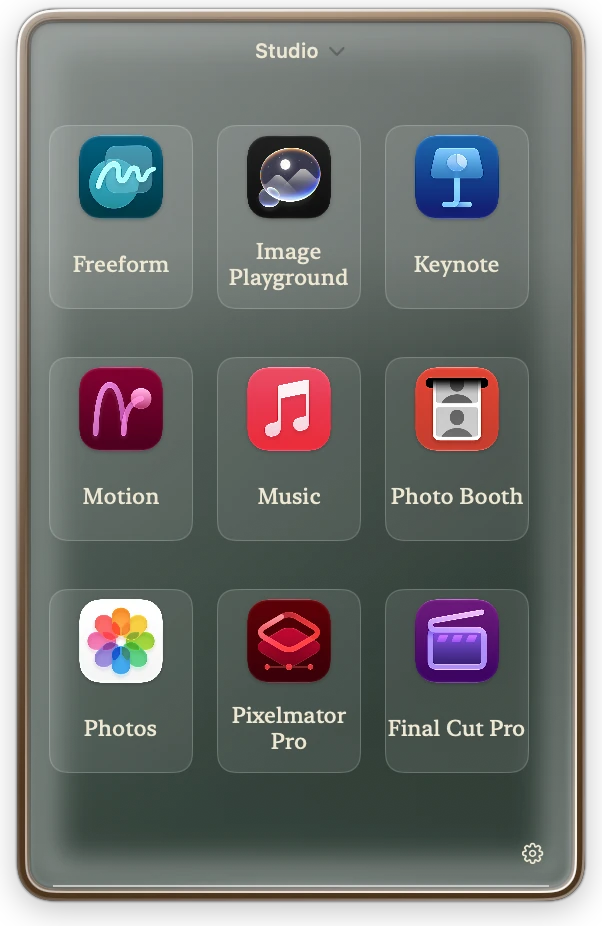

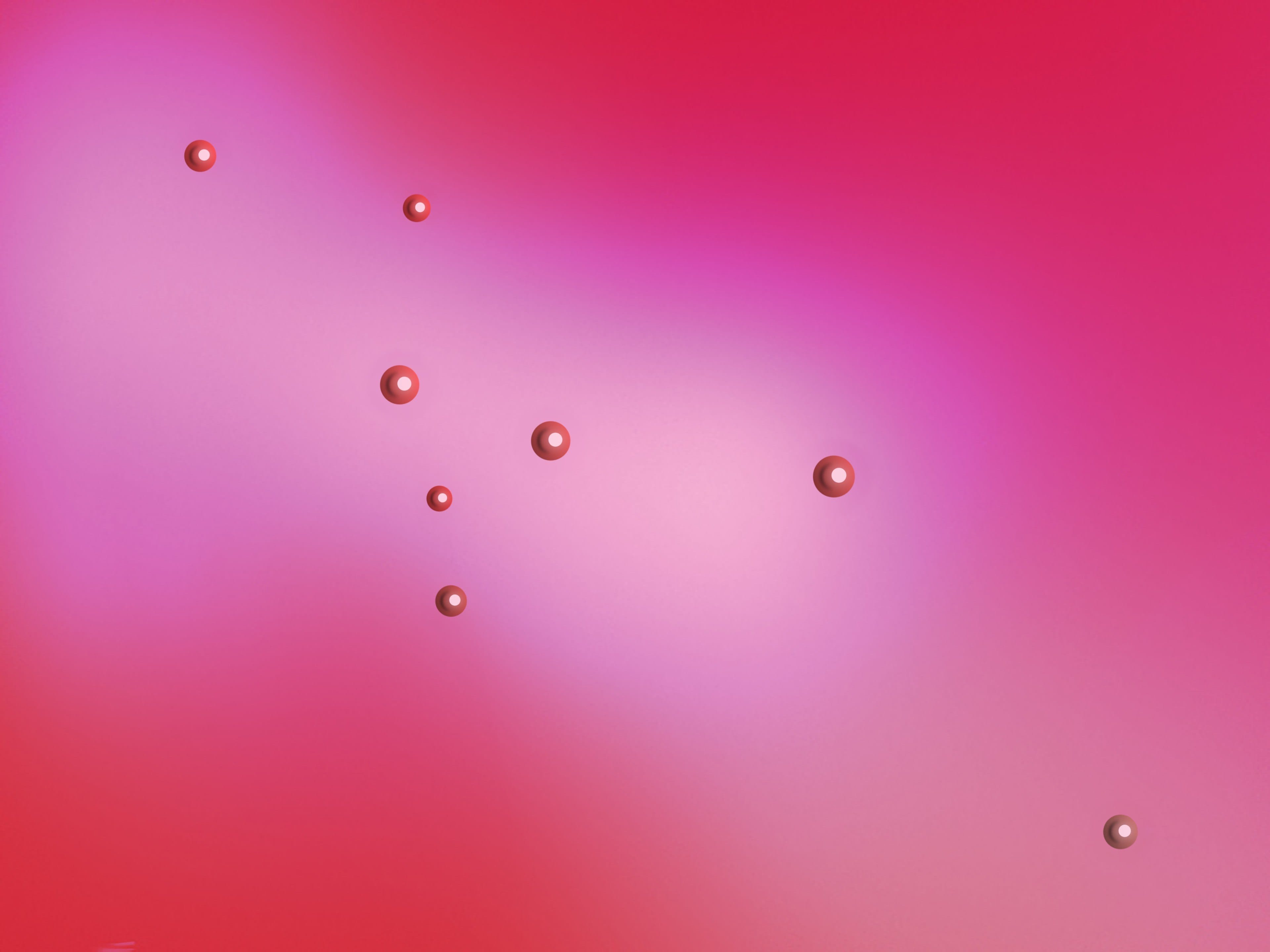
PopFX backgrounds move and respond to your pointer: arcs, curtains, waves, marble, snow, embers, falling code, and more.
23 built-in themes, 11 of them PopFX.
 Weekend
 Code
Code Travel
 Photo
Photo Studio
Tell the Assistant what you want, like “add Pages,” “switch to list view,” or “make it feel like golden hour,” and it changes your Pop while you watch. Every change but a deletion can be undone.
Works with Apple Intelligence. The Assistant needs macOS 27 and DockPops Premium.
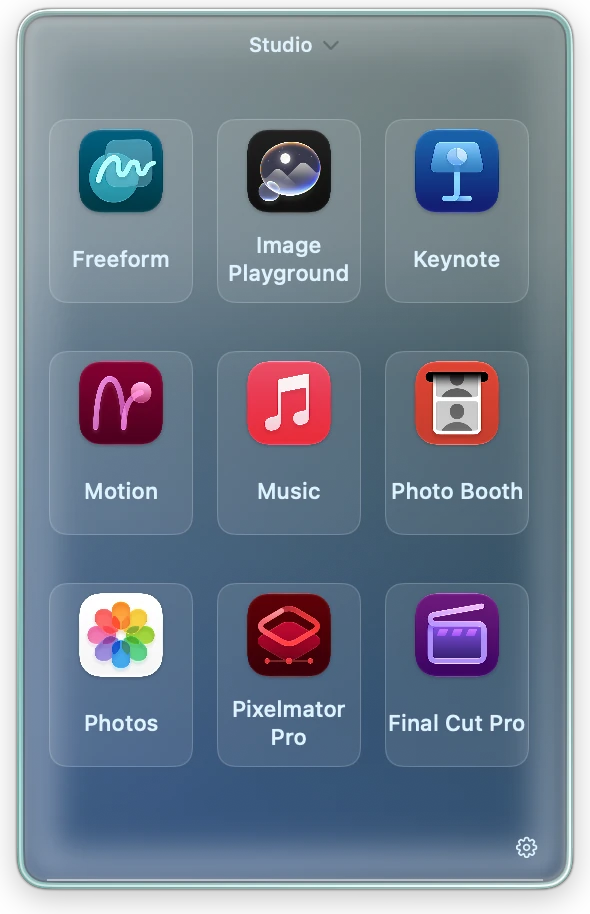
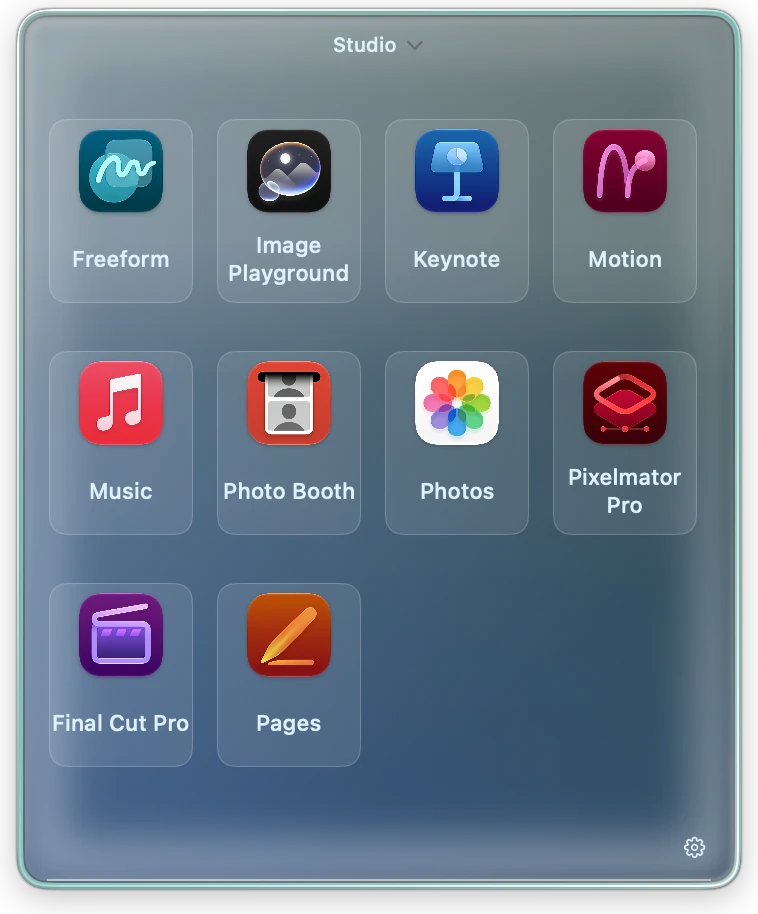
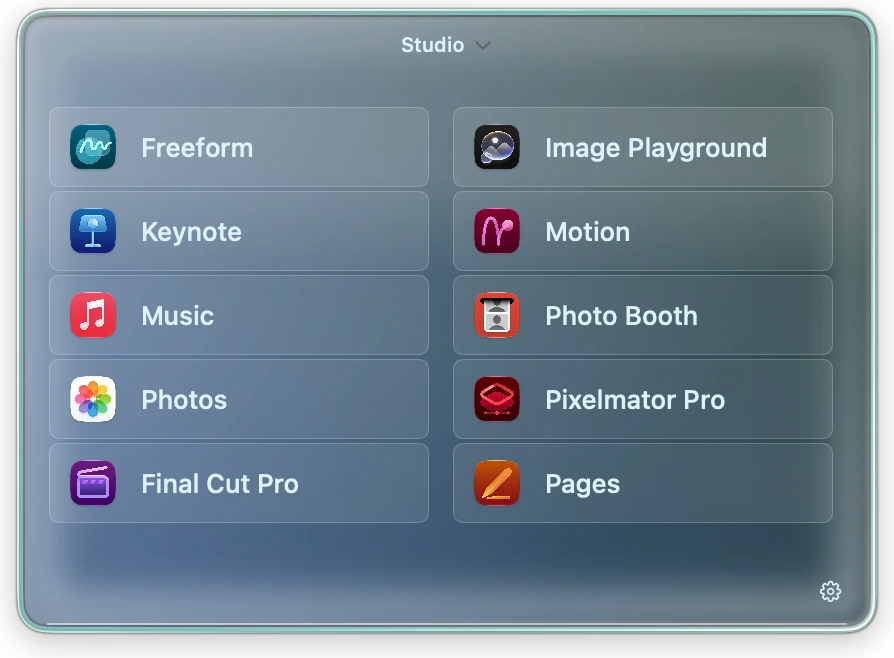
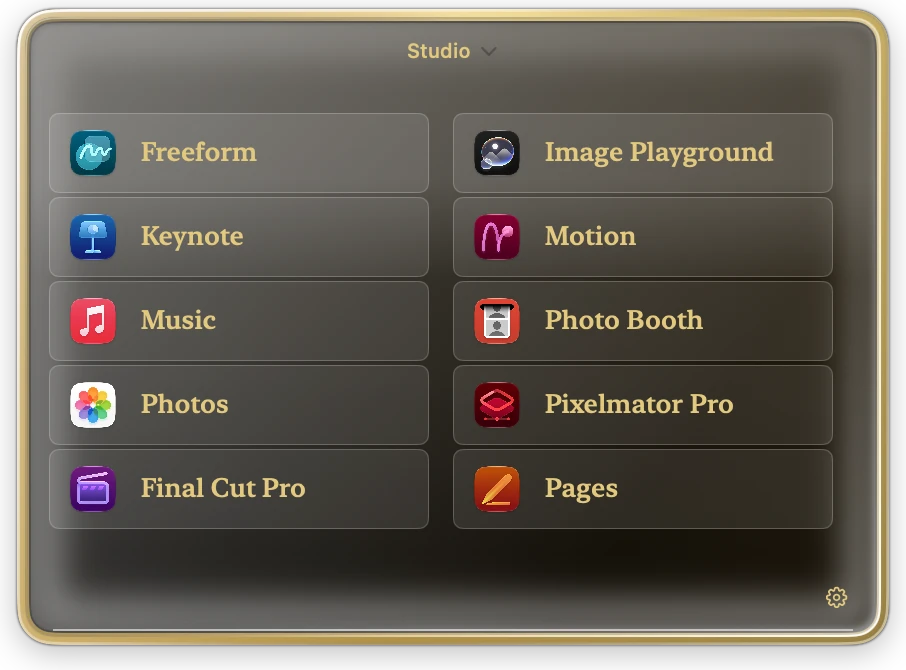
Work, a launch, a trip, the weekend. What each one needs, a click away in your Dock.
 CodePhotoTravelWeekend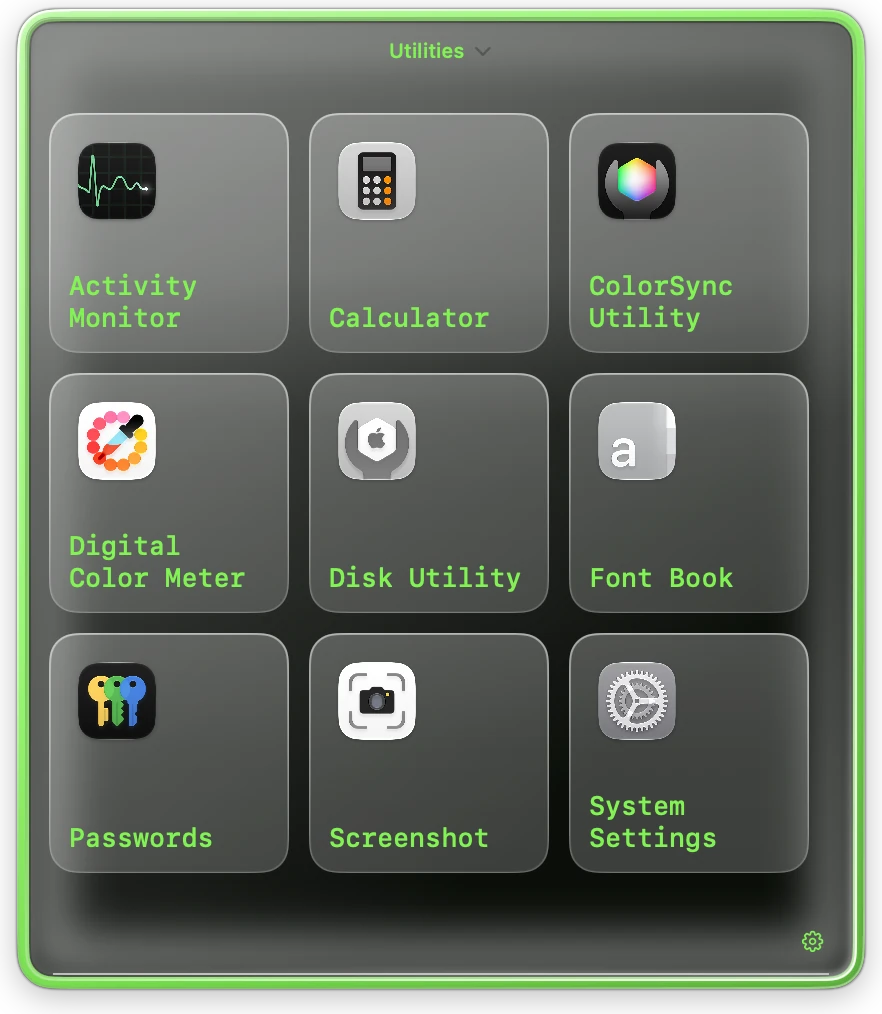
$0 Free forever
$3.99 one time
One purchase, no subscription
Using the direct download? Buy Premium
Your license key arrives by email.
Not quite. A Dock folder (a stack) shows what’s inside one folder on disk, sorted by name, date, or kind. A Pop is a set you choose: any mix of apps, files, folders, and links, in your own order, with its own name, theme, and Dock icon. You can group several Pops behind one Dock icon and swipe between them, open any Pop with its own keyboard shortcut, browse folders inside a Pop, and Quick Look a file with Space.
Only with the Mac App Store version. macOS won’t let a sandboxed app add more than one Dock icon, so the free DockPops Companion creates a small launcher for each Pop and keeps its icon in sync. It talks only to DockPops on your Mac. The direct download isn’t sandboxed, so it adds the Dock icons itself.
It covers a similar need: a grid of apps you open from your Dock. The difference is that you build each Pop yourself, so you can have one for work, one for a project, and one for the weekend, each a click away.
A background type that moves and responds to your pointer: arcs, curtains, waves, marble, snow, embers, falling code, and more. 11 of the 23 built-in themes use it. PopFX pauses when a Pop is closed, and stays still under Reduce Motion and Low Power Mode.
It changes the selected Pop: its theme, fill, border, labels, and view; its Dock icon; its name and items. It works with Apple Intelligence, so it needs macOS 27 and a Mac that supports it, plus DockPops Premium. In the Mac App Store version, Apple Intelligence may use Apple’s Private Cloud Compute to answer.
Those are search overlays you summon with a hotkey. DockPops lives in your Dock: your Pops are already organized and one click away. Many people use both.
Premium is one purchase, never a subscription. It unlocks up to 100 Pops with 25 items each, files and folders, themes and PopFX, List and Tiles views, a keyboard shortcut for each Pop, the Assistant, and more. Free DockPops gives you 2 Pops with 6 items each, enough to try it properly.
No. No analytics, no tracking, no ads. Your Pops stay on your Mac. App suggestions run on your Mac. The Assistant uses Apple Intelligence, which in the Mac App Store version may answer through Apple’s Private Cloud Compute.
Any Mac with macOS Sonoma (14) or later. Apple Intelligence suggestions need macOS 26, and the Assistant needs macOS 27 and DockPops Premium.